Run your event from registration to report in one place.
You approve applications from the panel. Attendees show their QR code at the door. The report is ready as soon as the event ends. Your attendees also see who is coming beforehand and plan meetings.
Your first event is free.





This is how an event goes today.
Registration. Applications pile up in a form, approvals get lost in email threads.
Door. A queue forms on the morning of the event, staff search names on a printed list.
Afterwards. The event ends and you have no proper report of how many people came.
The same event, with WarmBreak.
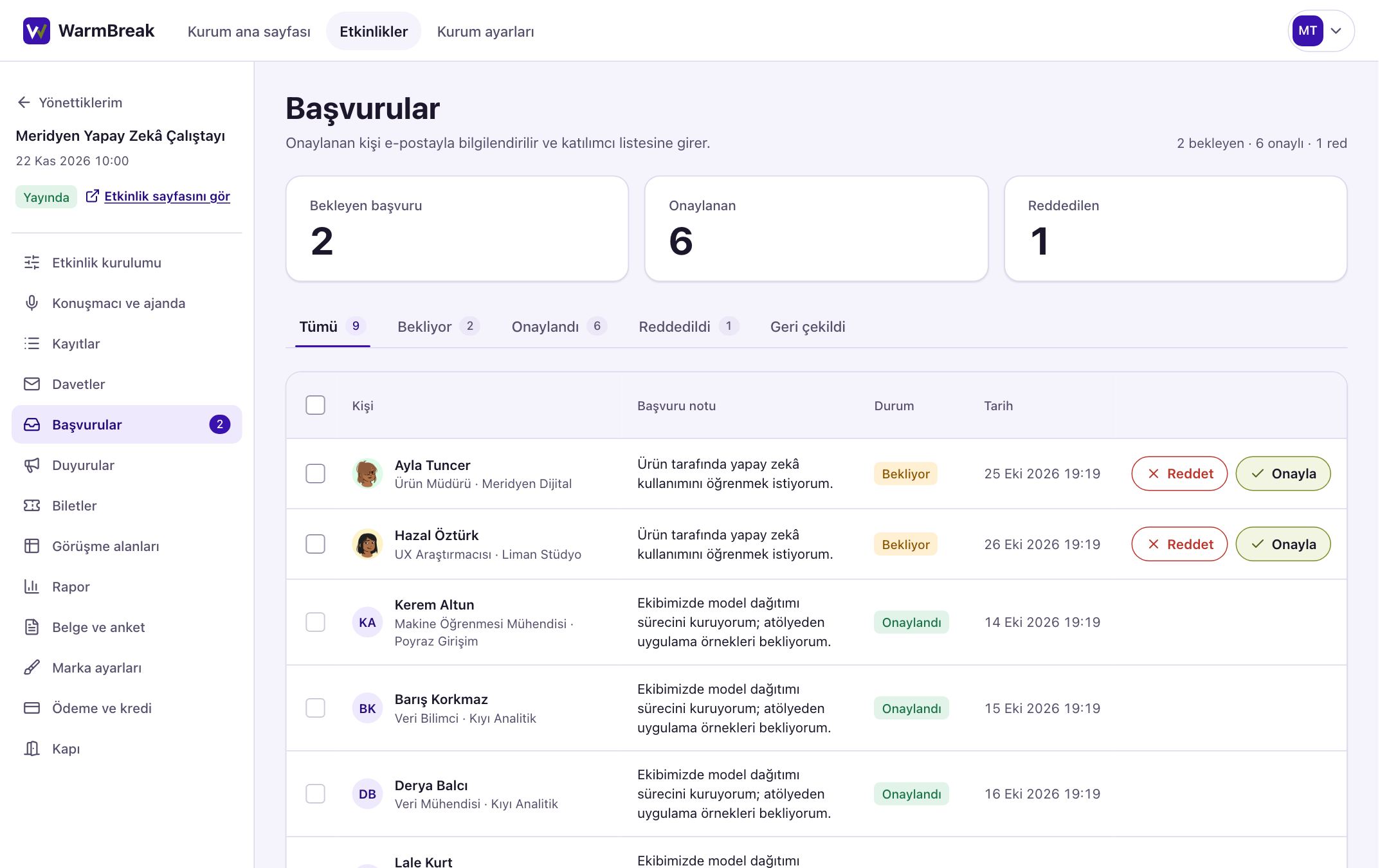
You see applications in one list and approve or reject them.
Approved people get their ticket and join the attendee list. You can approve or reject several applications at once.
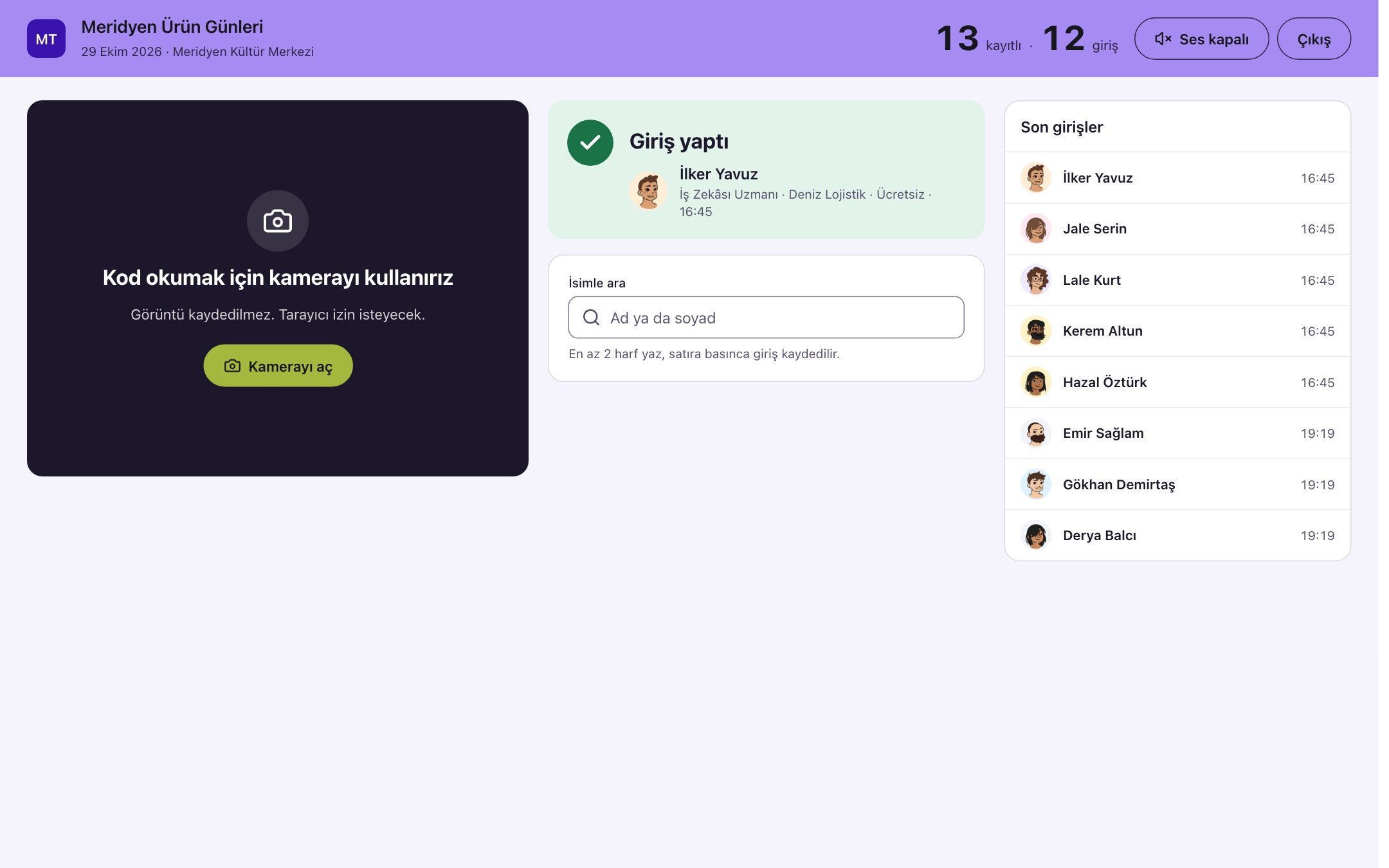
Attendees show their QR code at the door, staff check them in by phone.
If a code does not scan, you search by name. You see at the door how many people are registered and how many are in. Camera images are not stored.
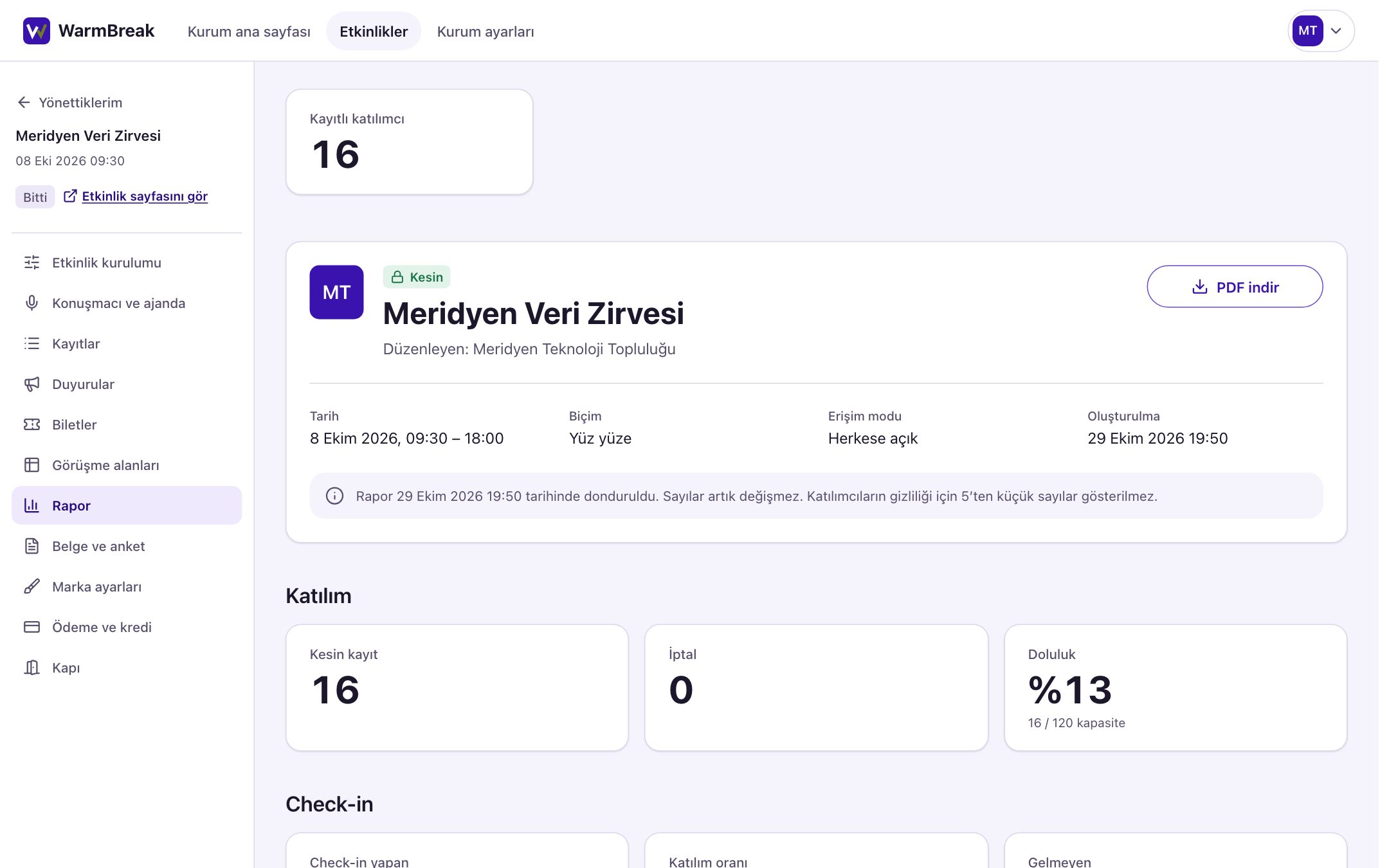
The event ends, the report is ready.
The report shows how many people came and which sectors they came from. You download it as a PDF and share it with your team.
Your event reaches the right audience.
Recommendations by interest
Users receive event recommendations based on their interests and the events they attend.
You don’t search for your audience from scratch
When you create your event on WarmBreak, it reaches users whose interests and attendance history match your event, as a recommendation.
Recommendations with a reason
Every recommendation shows its reason. Ranking does not change with payment, and users are recommended the events that truly suit them.
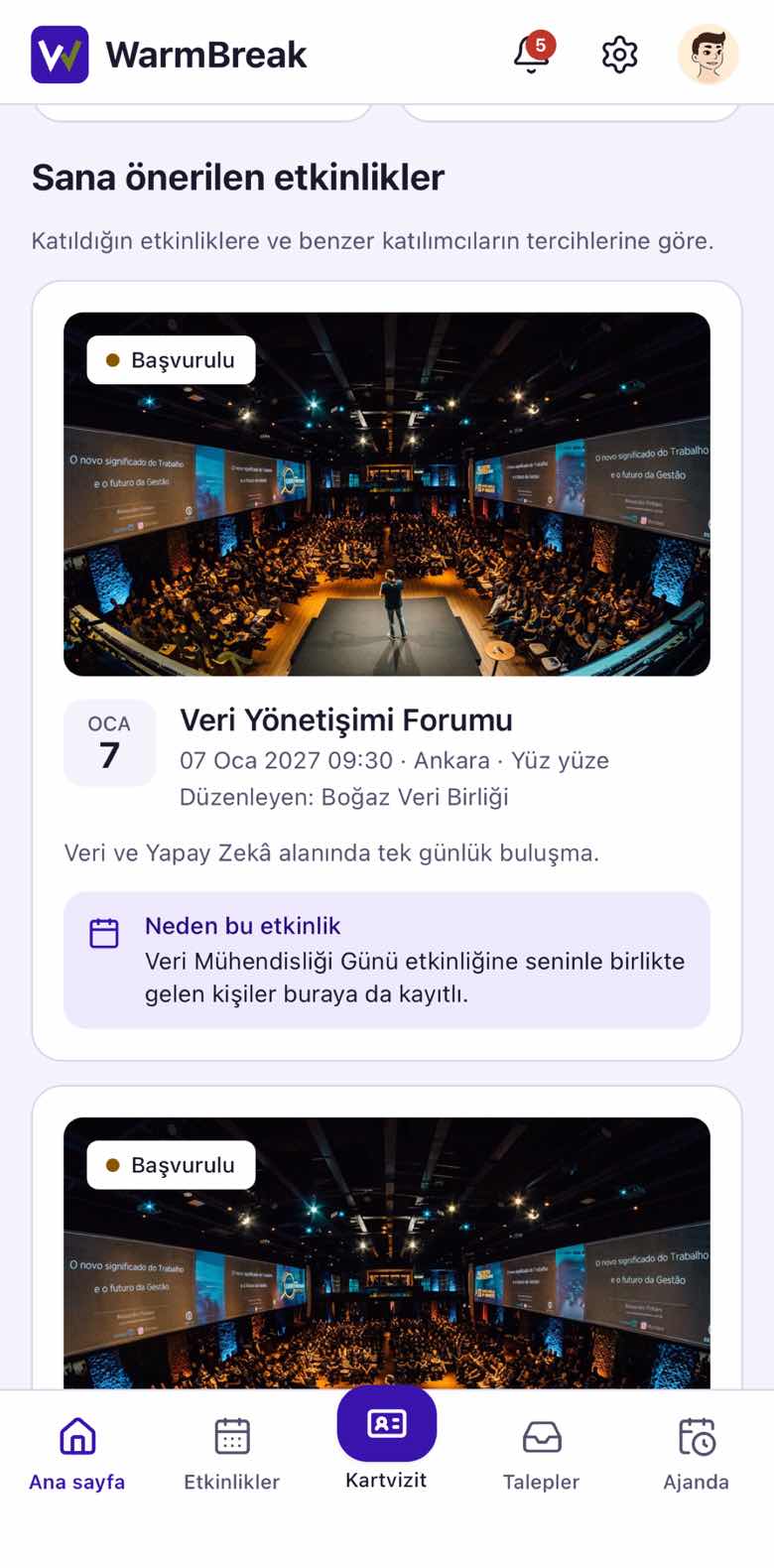
Your attendees start meeting before they enter the hall.

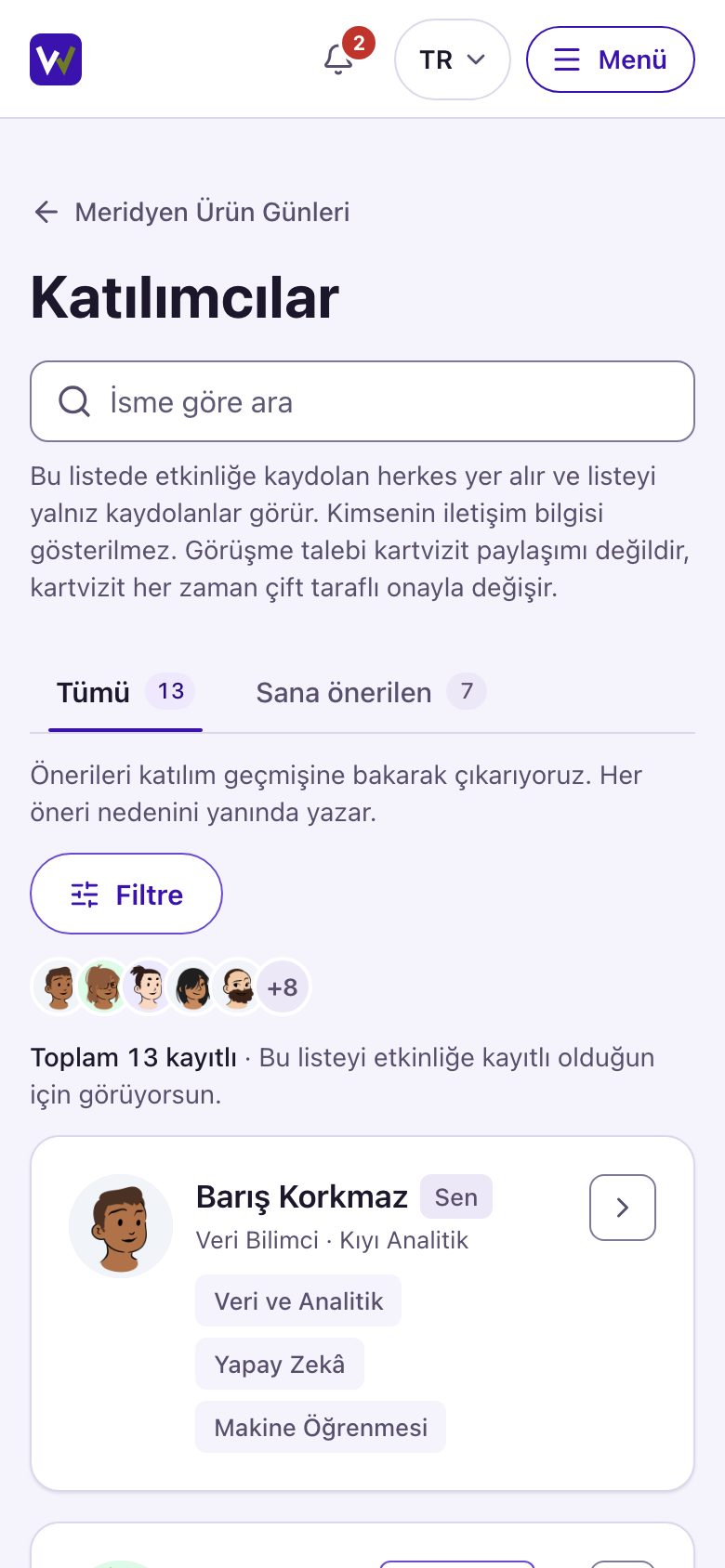
Everyone registered for your event sees each other in the WarmBreak app.
Who is coming
Everyone registered is on the list. Shared interests come with the reason.
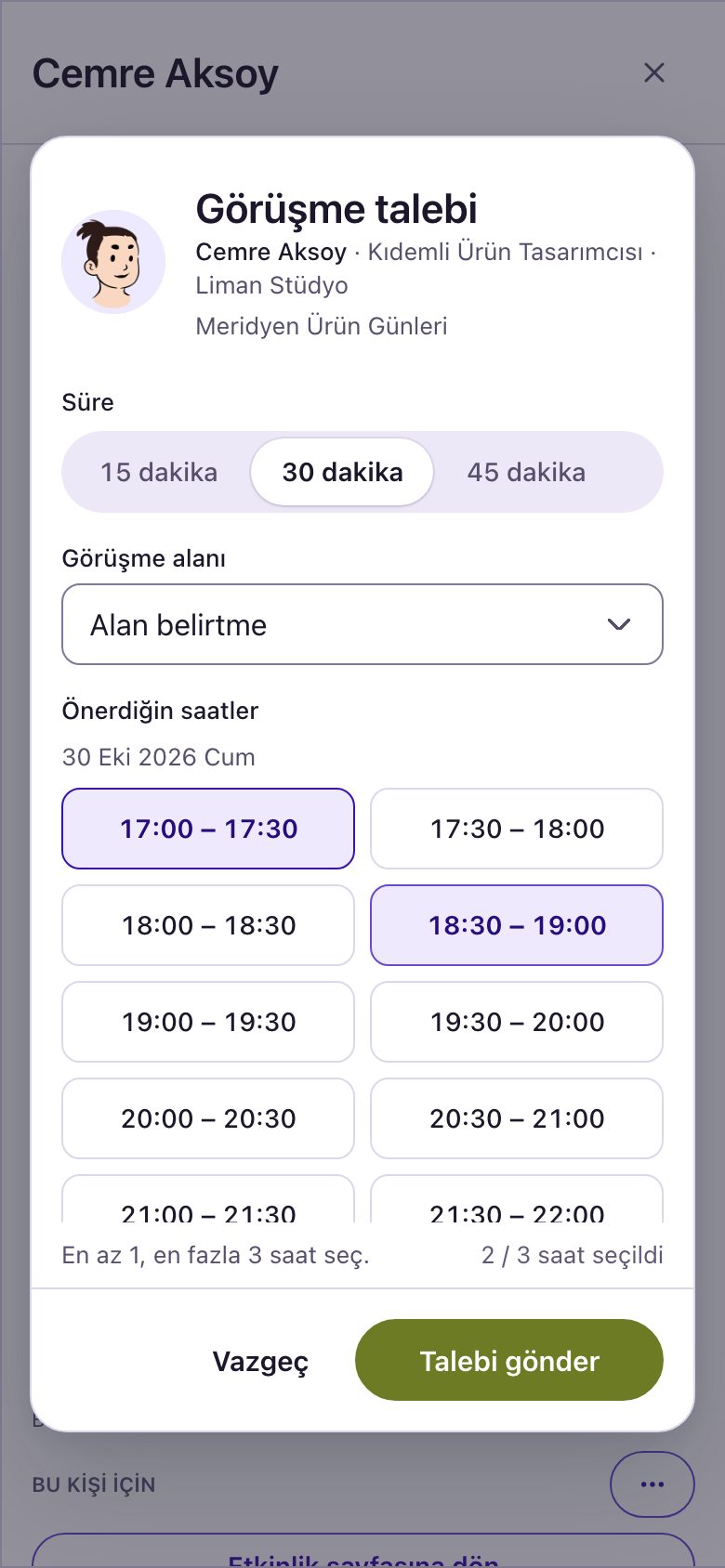
Meeting plan
Time and table are chosen. An accepted meeting lands in both agendas.
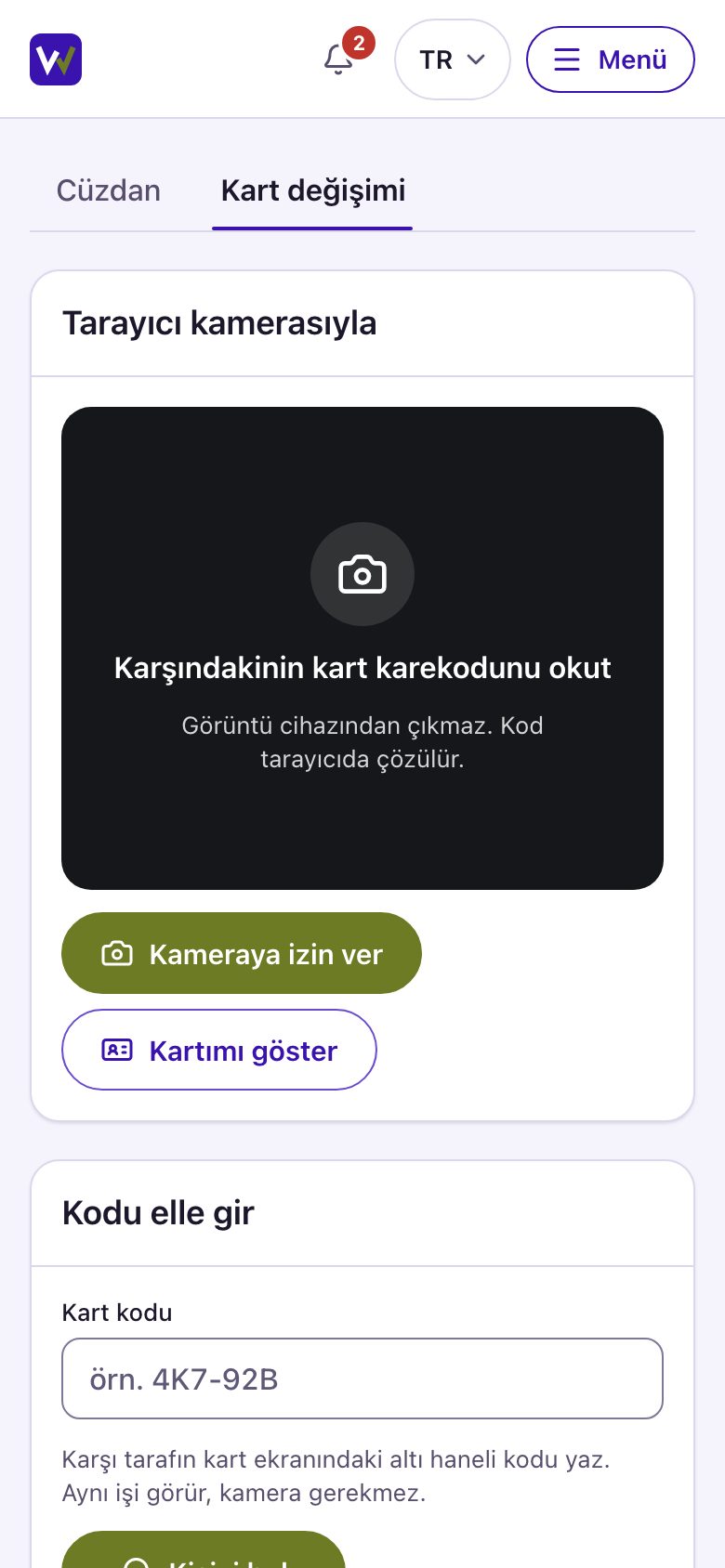
Approved business card
Cards are shared by QR code. Nothing is passed on until the other side approves.
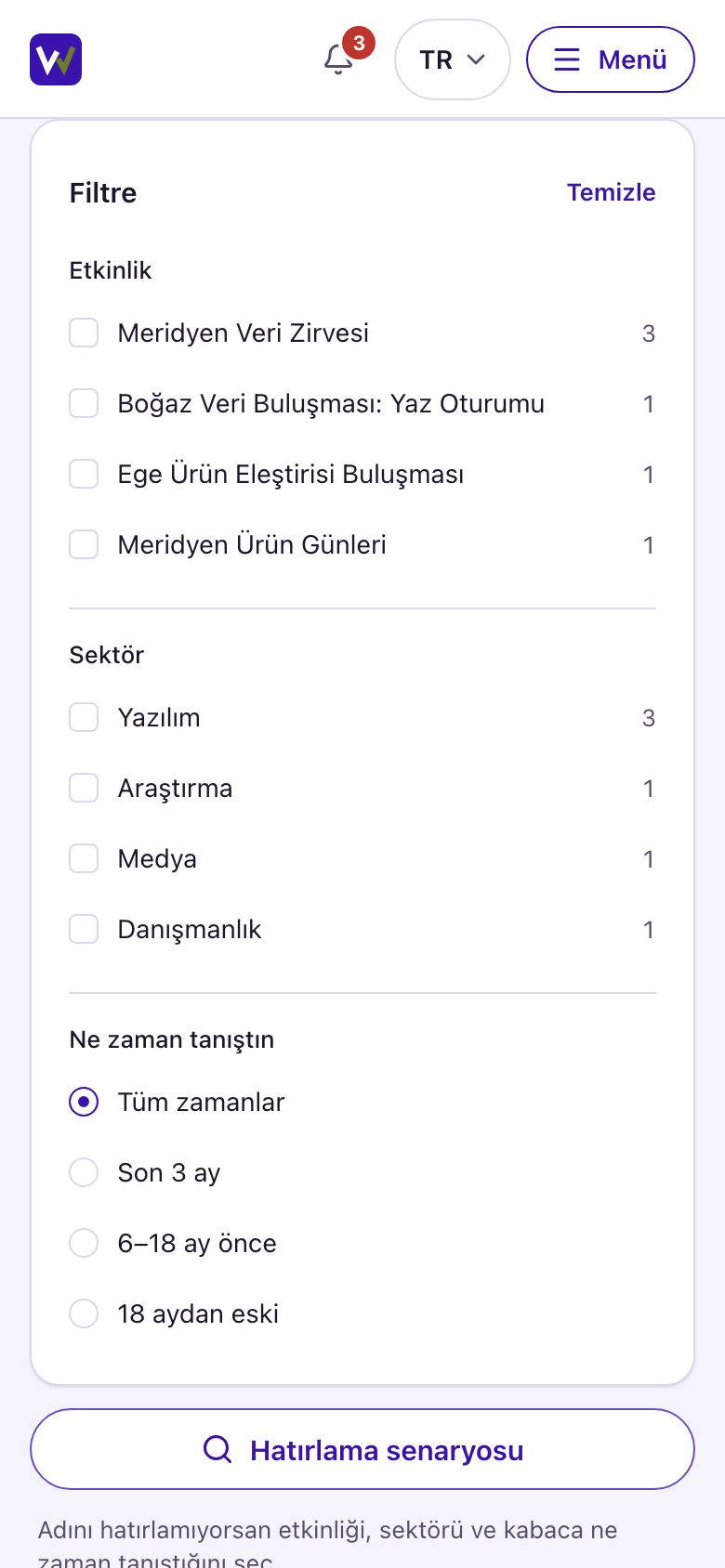
Wallet
Everyone you meet is kept together with the event where you met.
We have three rules.
- A business card is shared only if both sides approve.
- Only people registered for the event see the attendee list.
- You can export your event data whenever you want.
Your first event is free.
Tell us about your event and we will get back to you.
App for your attendees